

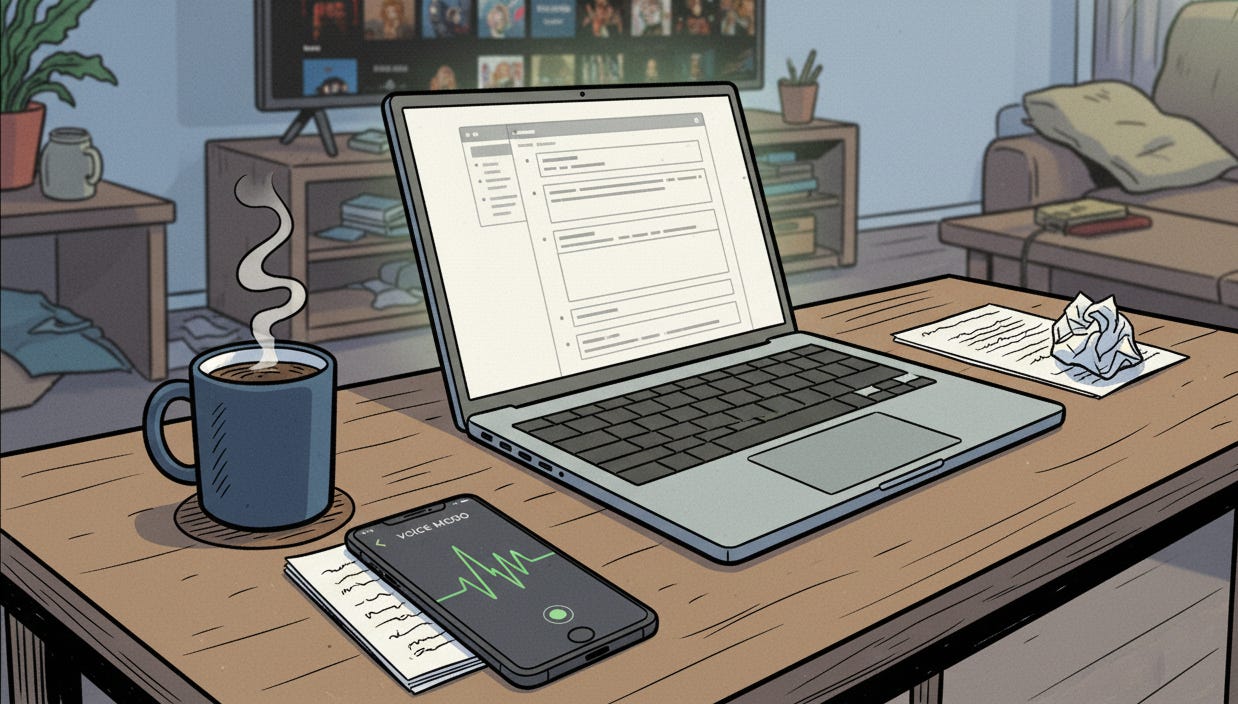
I was sitting at my desk at 2pm, staring at Slack.
Producer just pinged me about the feature we’re shipping next week.
Needed to write up my thoughts on the risks.
Knew exactly what I wanted to say.
Could not make myself open a doc and type a single word.
You know that feeling?
Where the gap between “knowing what to do” and “doing it” feels like the Grand Canyon?
Yeah.
Here’s what I did instead...
I opened Voice Memos on my iPhone.
Hit record.
And just... talked.
For 3 minutes.
Rambling. Messy. Stream of consciousness about the feature, the UX problems, what I was worried about, why the timeline felt aggressive.
Then I threw that voice note into Claude and said:
“Turn this into a structured write-up for my producer.”
30 seconds later, I had clear, organized bullet points.
The exact same information my brain refused to type.
But organized. Actionable. Actually useful.
I sent it in Slack.
Producer said “perfect, this is exactly what I needed.”
And I haven’t written a status update the “normal” way since.
So here’s the thing about ADHD brains and writing...
Writing requires:
Organizing your thoughts BEFORE you express them
Typing (physical coordination + mental processing simultaneously)
Seeing your messy first draft (instant shame spiral)
Editing as you go (or watching typos multiply)
Talking requires: opening your mouth.
That’s it.
Your brain already knows how to talk.
You’ve been doing it since you were two.
You don’t have to organize first. You don’t have to make it pretty. You just... say the thing.
And for ADHD brains? That’s the difference between “I’ll do it later” and “done.”
The workflow is stupid simple:
1. Voice note the chaos: Open whatever voice recorder is already on your phone.
Don’t download a new app. Just use what’s there.
Talk through whatever’s in your head. Don’t try to organize it. Don’t try to make it coherent. Just dump.
2. Throw it to AI: Upload the voice note (or paste the transcript if your phone auto-transcribes).
Use one of these prompts:
Turn this rambling voice note into organized talking points.I just brain dumped about a feature. Pull out the key points and tell me what actually matters.This is me trying to figure out what I’m worried about. Help me sort it into: real problems, assumptions, and what I need to communicate to the team.3. Do the thing: Now you have clarity. Not because you got better at organizing. Because you offloaded it.
Real examples from my actual voice notes:
Voice note at 9am (barely coherent):
“Okay so the onboarding flow, uh, they want to add that new tutorial step but I don’t think that’s the problem, I think the problem is cognitive load and adding more steps makes it worse not better, but I can’t just tell them ‘no’ without data, I need to show them why... wait what was the drop-off rate on the current flow? I saw it in that analytics report. Also I’m pretty sure we tested something similar last year and it didn’t help. Need to find those results. And we’re supposed to show wires in the review Friday which is in three days and I haven’t started because I’m not convinced this is the right direction...”
What Claude gave me back:
Core Issue: Team wants to add tutorial step, but may increase cognitive load

Your concern: Adding steps could worsen problem, not solve it

What you need:
1. Current drop-off rate (in recent analytics report)
2. Last year’s similar test results
3. Data showing correlation between steps vs. completion

For Friday review:
Don’t make wires until you validate the direction

Next action: 30 min to gather data before review prep
Took me 2 minutes to ramble.
Would have taken me 45 minutes to write.
(If I could start at all.)
What actually changed:
I’m not suddenly organized.
My voice notes are still a mess.
But now the mess has a purpose.
The mess is the raw material.
AI is the translator.
And the output? That’s what my brain needed all along but couldn’t make itself produce.
The prompts I actually use:
Save these. You’ll need them.
The Feature Brain Dump
I’m going to ramble about this feature for a few minutes. Don’t interrupt, just listen. Then tell me: what’s the actual risk, what needs to be communicated to the producer, and what am I overthinking?The “I Can’t Start” Prompt
I need to [task] but I can’t start. I’m going to talk through why it feels hard. Then help me find the smallest possible first step.The Meeting Prep
I have a review about [feature] in [time]. Here’s everything in my head about it. Turn this into talking points.The End-of-Day Dump
It’s [time] and my brain is fried. Here’s everything I worked on today and everything I’m worried about for tomorrow. Help me figure out what actually matters.Will this work for everything?
No.
Some days my voice notes are too messy even for AI to parse.
Some days I still can’t start even with the smallest step.
Some days typing actually works fine and I don’t need this.
But on the days when typing feels impossible?
When my brain is too full to organize anything?
When I know what I need to do but can’t make myself do it?
This is the difference between stuck and moving.
And I’ll take “moving” over “perfect” every single time.
Try it once:
Next time you’re stuck, don’t open a doc.
Open your voice recorder.
Hit record.
Talk for 2 minutes about whatever’s stuck in your head.
Throw it to AI.
See what comes back.
You might be surprised.
Not because AI is magic.
But because your brain already knows what to do.
It just needed someone to translate.
Want all the prompts?
I made a thing.
It’s called “When Your Brain Won’t Brain” and it’s got all the AI prompts I actually use when my ADHD is winning.
Not just the voice note stuff. The whole toolkit.
Morning brain dumps. The “I can’t start” prompts. The “what did I mean by this?” decoder. All of it.
You can grab it here: Download Now for Free
It’s free. It’s messy. It’s what actually works.
---
And tell me:
What’s your version of this workflow?
Do you already use voice notes for something? Found a different hack that saves you?
Reply and let me know. I’m collecting what actually works for ADHD designers, not what’s supposed to work.
(Or just share this if it helped. Whatever feels right.)